E-course
Integrated online course information system
Drag to rotate
E-course is a web-based online course information system I built solo for my Web Programming course. It connects three roles — students, instructors, and an admin — on one platform: students discover and enroll in courses, access learning materials, and complete payment; instructors are managed and linked to their courses; and the admin oversees everything from a single dashboard. Built with Laravel, Tailwind CSS, and Alpine.js, the goal was to design and ship a real, multi-role CRUD system from scratch, end to end, on my own.
A landing page built to convert visitors into students
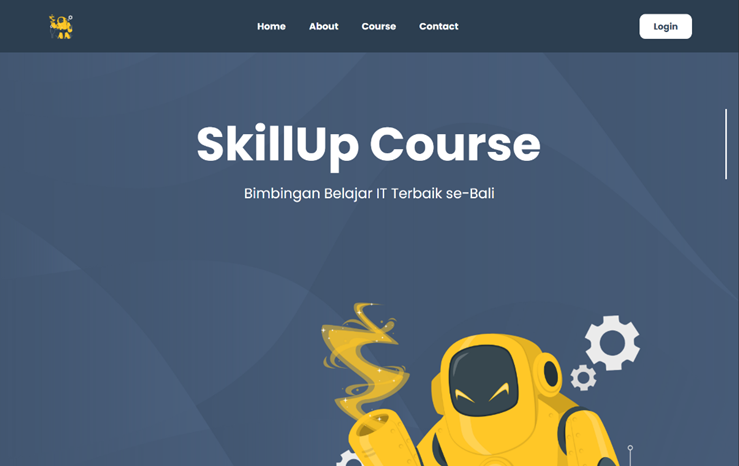
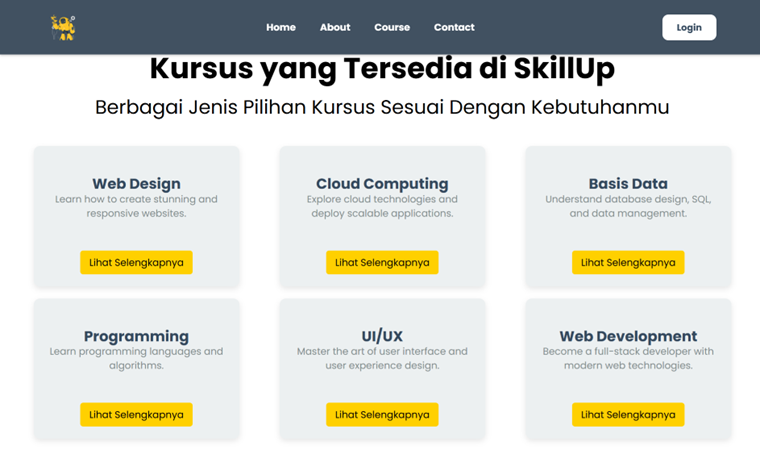
The public face of E-course is a multi-section landing page — a hero with a clear value proposition, a featured courses grid that puts the catalog front and center, and a supporting section showcasing platform benefits. Each section was built as a Blade component so the layout stays consistent and easy to extend as new content is added.
From browsing to enrolled in a few clicks
The course catalog page lets students filter and browse available courses by category. From any course card, students open the detail view and enroll directly — a short, deliberate flow that takes someone from discovery to a confirmed seat without unnecessary steps.
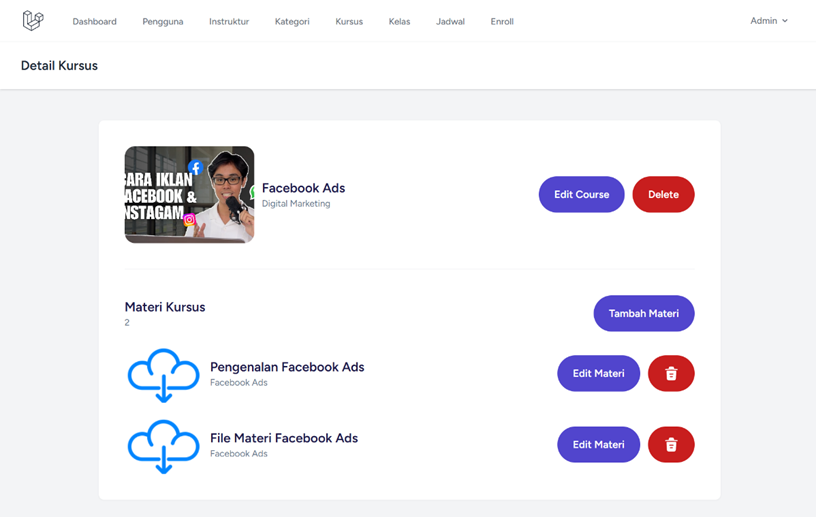
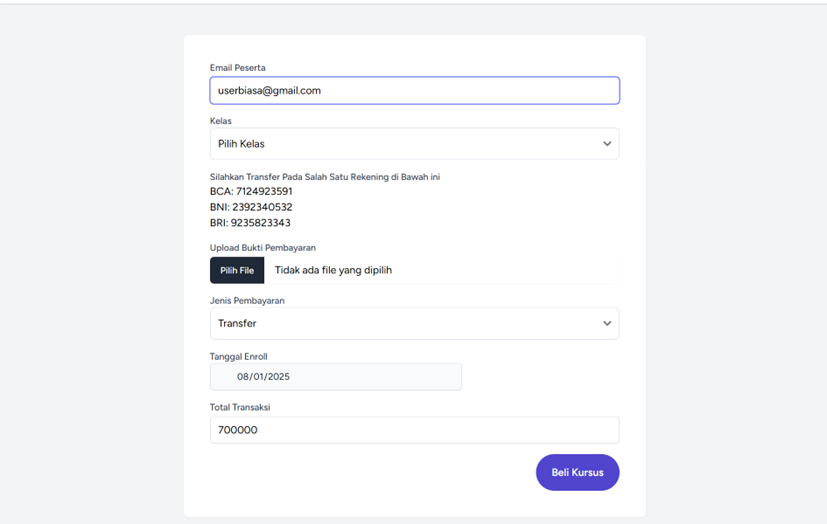
Materials and payment in one student workspace
Once enrolled, students land in their course workspace where all learning materials are organized and accessible. Payment is handled through a dedicated form that captures transaction details and proof of payment — keeping the financial side of enrollment simple and traceable without a third-party gateway.
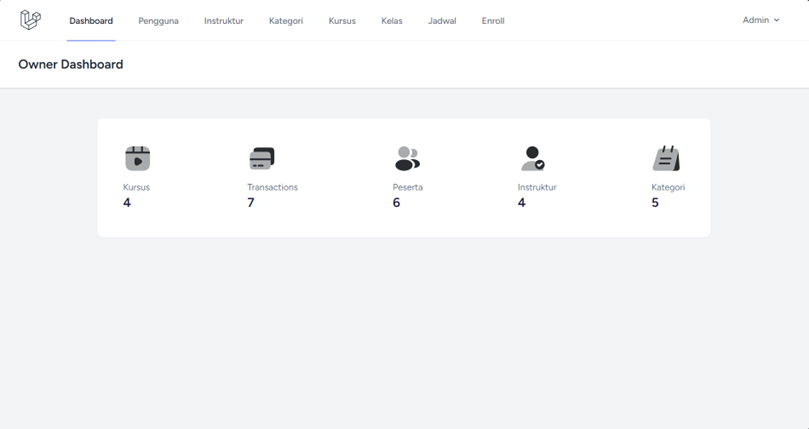
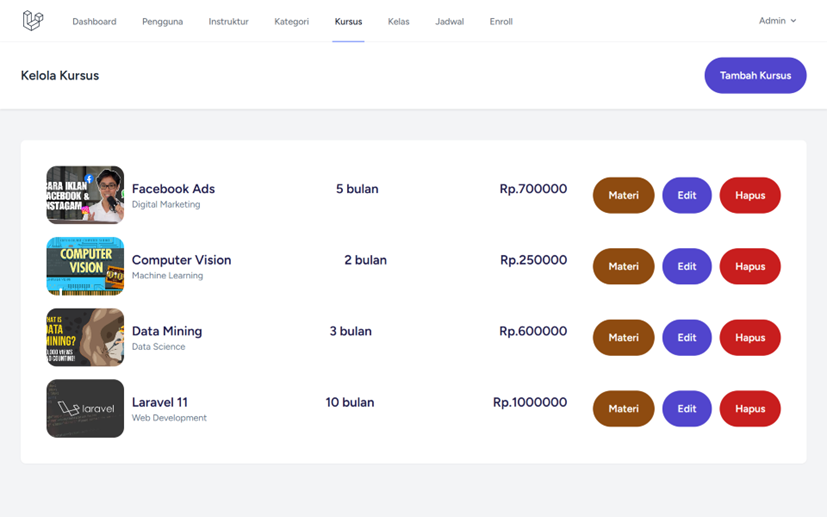
One dashboard, the whole platform at a glance
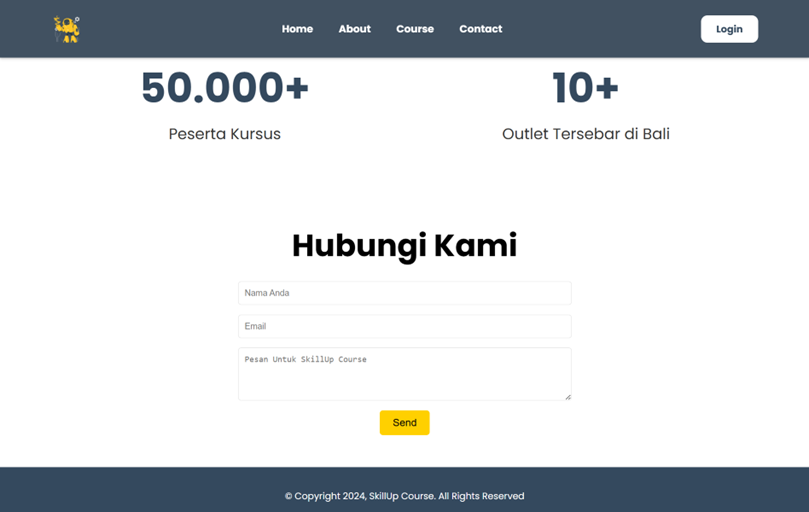
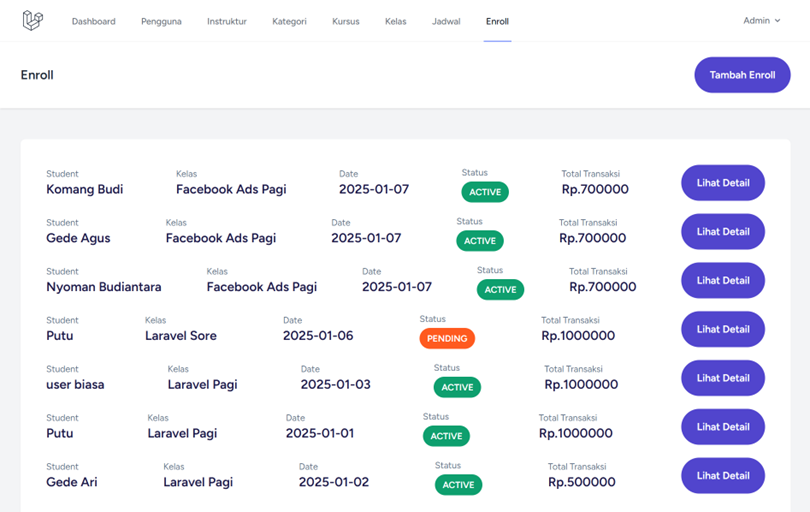
The owner dashboard gives the admin a bird's-eye view of the platform — enrollment numbers, course counts, and quick access to every management module from one sidebar. Course management sits right behind it: a full table of all courses with add, edit, and delete, each linked to its category, instructor, and schedule.
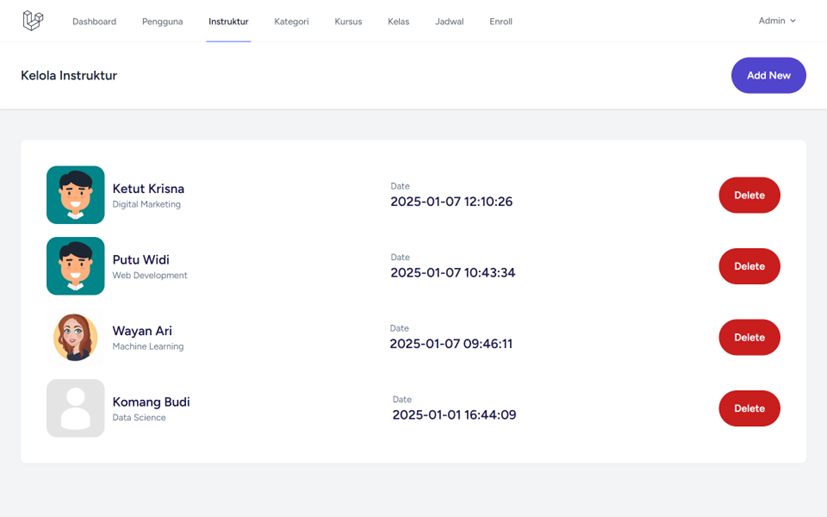
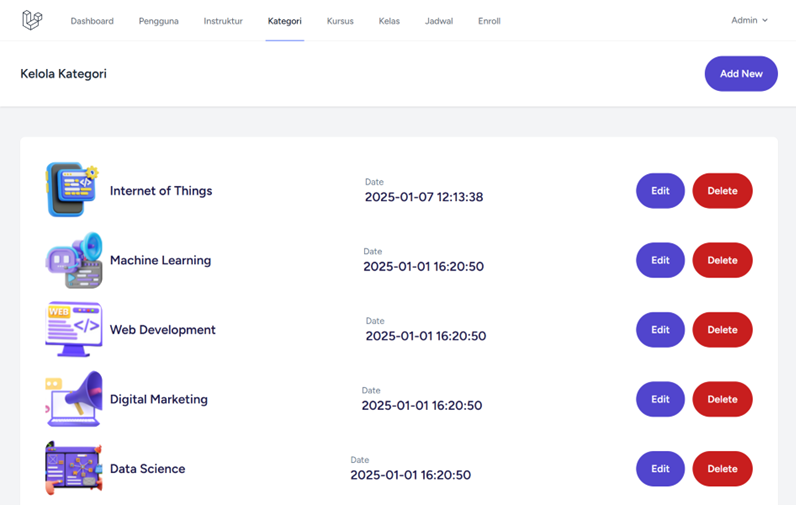
Full control over instructors, categories, and users
Every entity that makes the platform run is manageable from the admin panel. Instructors are registered and tied to the courses they teach; categories organize the catalog and connect courses to a browsable taxonomy; and the user management module gives the admin full visibility over every account on the platform — all editable, all relational.
My role
- 01Implemented role-based authentication with Laravel Breeze and Spatie Laravel Permission — three roles, one login
- 02Built the student flow: browse courses by category, enroll, access materials, and submit payment
- 03Built full CRUD for courses, categories, instructors, schedules, and users — all managed from the admin panel
- 04Designed the owner dashboard with KPI summaries and quick access to all management modules
- 05Built a multi-section landing page — hero, course catalog, why-us, and features — as the public face of the platform
- 06Structured Blade templates with Tailwind CSS for a consistent, responsive UI across all roles
Three roles, one coherent system
The trickiest part of E-course wasn't any single feature — it was making three different roles feel natural within one application. Laravel Breeze handled authentication, Spatie Laravel Permission managed what each role could see and do, and separate Blade view trees kept the student, instructor, and admin experiences distinct without duplicating logic. Getting that separation right was the core challenge, and the one that taught me the most about structuring a multi-role Laravel app.
A practical deep-dive into the full Laravel stack
E-course gave me hands-on experience with the parts of Laravel that matter in production: Eloquent relationships linking courses to categories, instructors, schedules, and enrollments; form request validation keeping every input clean before it hits the database; and Vite bundling Tailwind CSS and Alpine.js for a fast, interactive front end. Building it solo, from an empty repo to a working multi-role system, was the fastest way to go beyond tutorials and understand how a real Laravel application is actually structured.